PPMS: Toward a Unified Platform for nine Resource Centers Services
From microscope bookings to monthly invoices, PPMS is becoming a unifying hub for research services at the Rockefeller University. With nine Centers now integrated and new tools available for lab managers and users, here’s what’s changing, what to watch for, and how to make the most of it.
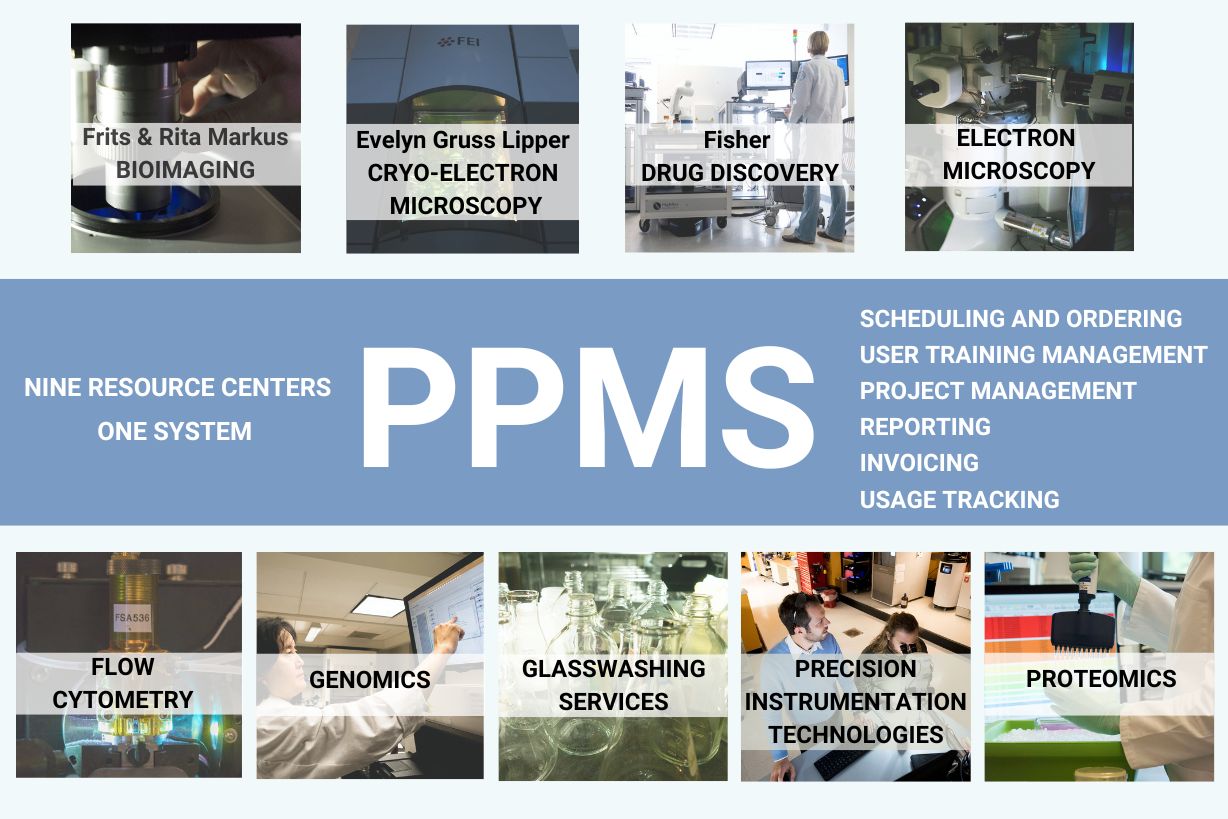
Many scientists at Rockefeller are already familiar with the platform used to book instruments, schedule services, and track usage across these nine Resource Centers. Whether it’s reserving time on a microscope or requesting training or support, PPMS has become a key tool for researchers to interact with these nine university core facilities.
Behind that familiar interface, PPMS is quietly expanding.
More Centers are now working toward using a shared version of the platform—not just for booking services, but also for managing invoicing. The goal: to make it easier for labs to track how their financial accounts are used across these Centers, all in one place.
As this transition continues, labs will see:
- A clearer and detailed monthly view of charges across multiple Centers
- A simplified experience when managing lab accounts and budgets
PPMS is a shared platform, but each Center has its own vetting process before users are granted access to services or the ability to book instrument time.
The Centers currently using the centralized PPMS for booking and operational management are:
- Bio-Imaging Resource Center
- Electron Microscopy
- Cryo-Electron Microscopy
- Drug Discovery
- Precision Instrumentation Technologies
Flow Cytometry is also using PPMS, but on a separate instance (link here). It operates independently for now and will soon be integrated into the centralized platform to streamline access and reporting.
Several Centers that manage their operations outside PPMS—such as Glasswashing, Lab Safety, Proteomics, and Genomics—still use the system for invoicing. Their charges appear in the lab statements, providing a consolidated financial overview.
Accessing PPMS
- Internal new users: Please read the registration guidelines carefully before creating an account. You’ll need to enter your financial account information in a specific format and request access to each Center individually.
Start here to create a new internal user account. - External new users: Additional steps are required, including completing the external user information form and submitting a purchase order (PO). These instructions appear on this page.
Start here to create a new external user account.
Ongoing Responsibilities for Users and Lab Managers
- Users and lab managers should regularly check that their financial account information is valid. If an account is invalid or has changed, it must be updated in PPMS.
- If several accounts are valid and available, users should ensure they select the correct one when booking an instrument or requesting a service.
- Lab managers can request to assign a default financial account to be used in a specific Center. To set this up, email us with the account details.
- Lab managers can also send us a list of the accounts they manage, and we will configure PPMS so they can assign themselves these accounts directly to users in their group themselves.
- If lab managers would like custom reports to run regularly (e.g., by user, by Center), we can create them. They will always be available in the Reports tab on PPMS.
Need Help?
For any questions about registration, Center access, financial accounts, invoicing, or system use, contact:
Sonia de Beaufort, Research Support Administrative Manager
sdebeaufort@rockefeller.edu